
100 photo scenes
From Tokyo at night to a crackling fireplace: pick a photo and your room takes its colors. Turn on Motion and the colors drift slowly.
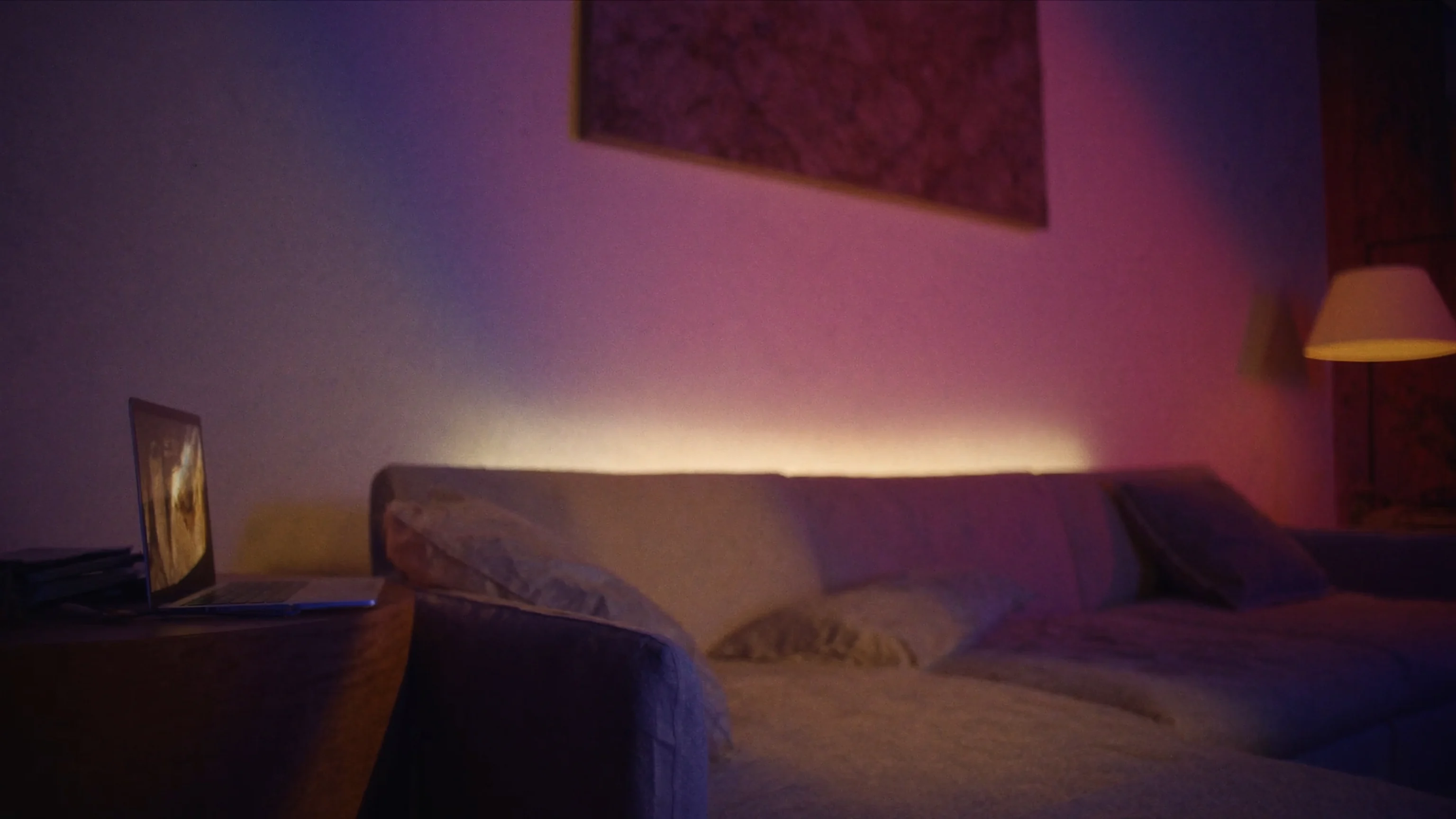

A Mac app for your lights
Glowside puts your lights in the menu bar: 100 photo scenes, fine control of brightness and color, screen sync, routines and Shortcuts, in a fast native app.
Works with Philips Hue.
Menu bar
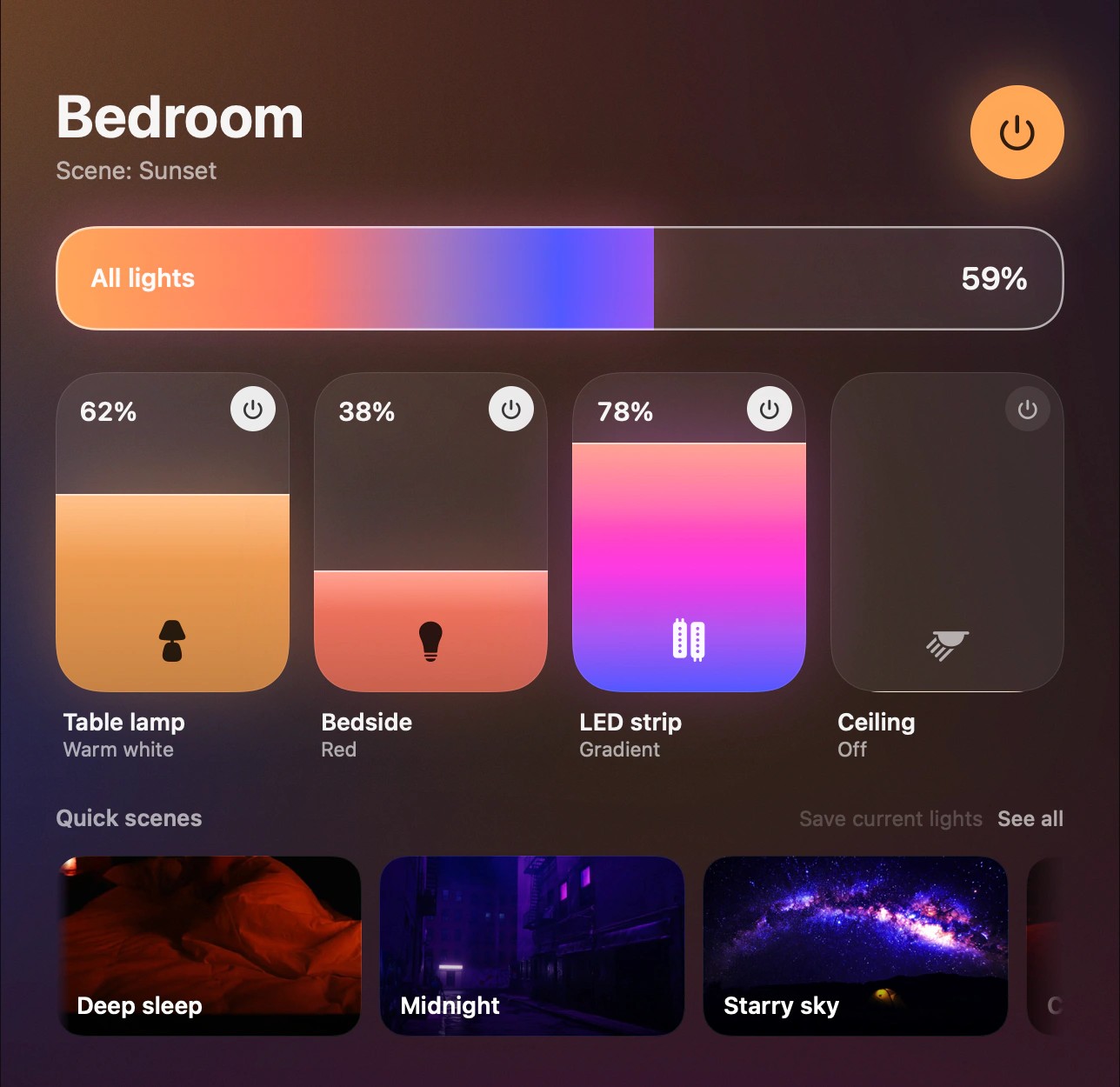
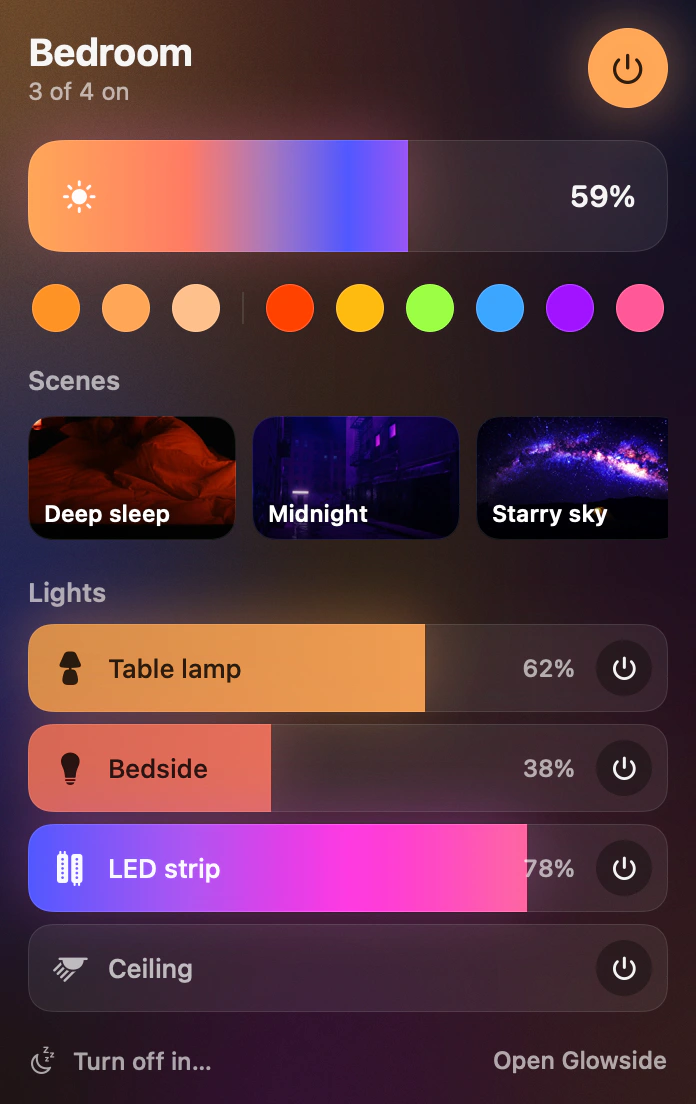
Rooms, brightness, quick colors, scenes and screen sync in a compact panel. Open the full window when you want more.
Scene library
Cozy, night, focus, nature, cities, party, movies, games, seasons and light effects. Every scene comes with its own photo.
 Northern lights
 Paris
 Full moon
 Neon
 Afternoon coffee
 Cherry blossoms
 Cyberpunk
 Autumn
 Ocean
 Rio at dusk
 Prism
 Reading
 Lavender
 Disco
 Volcano
 Christmas
Screen sync
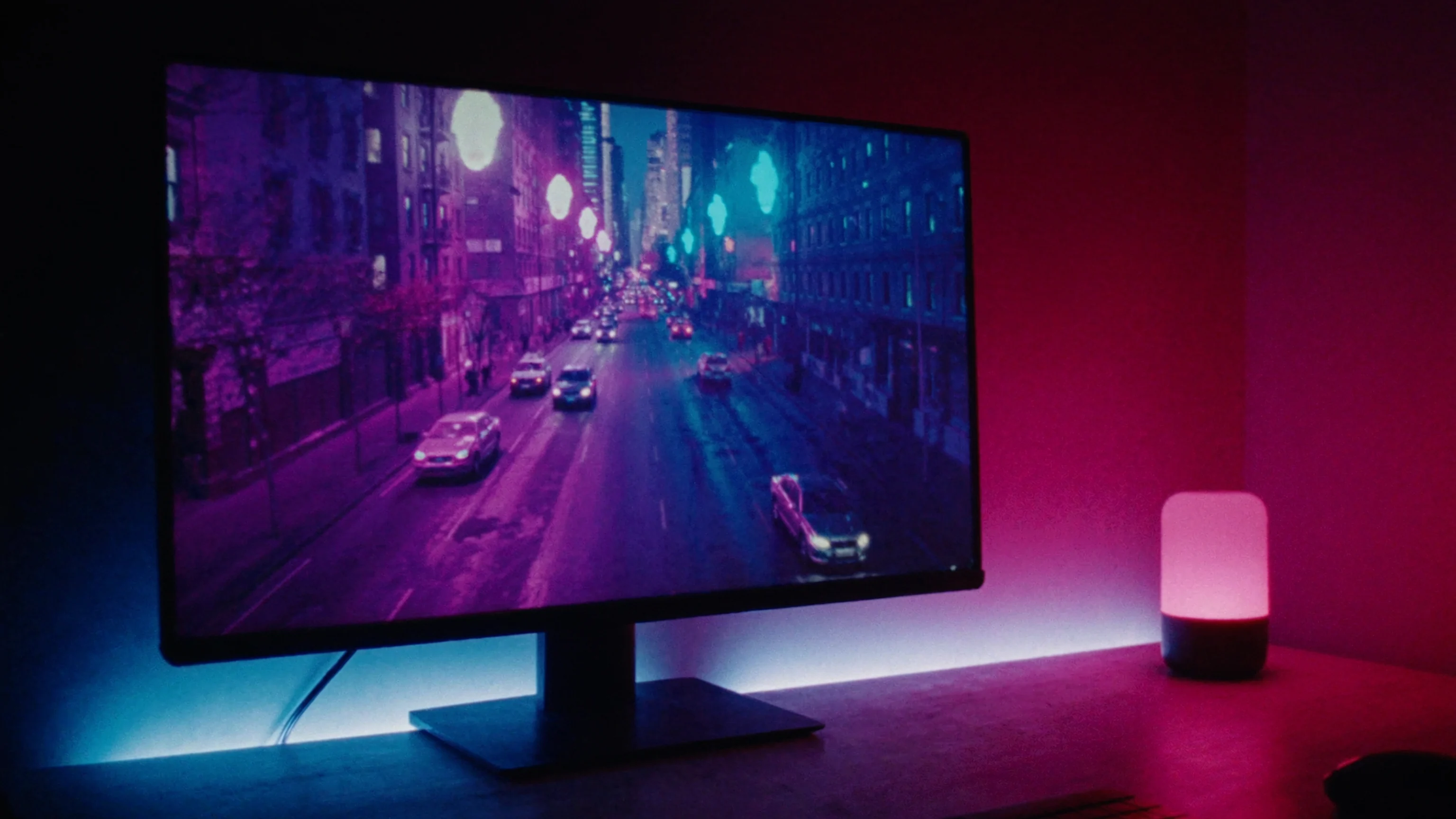
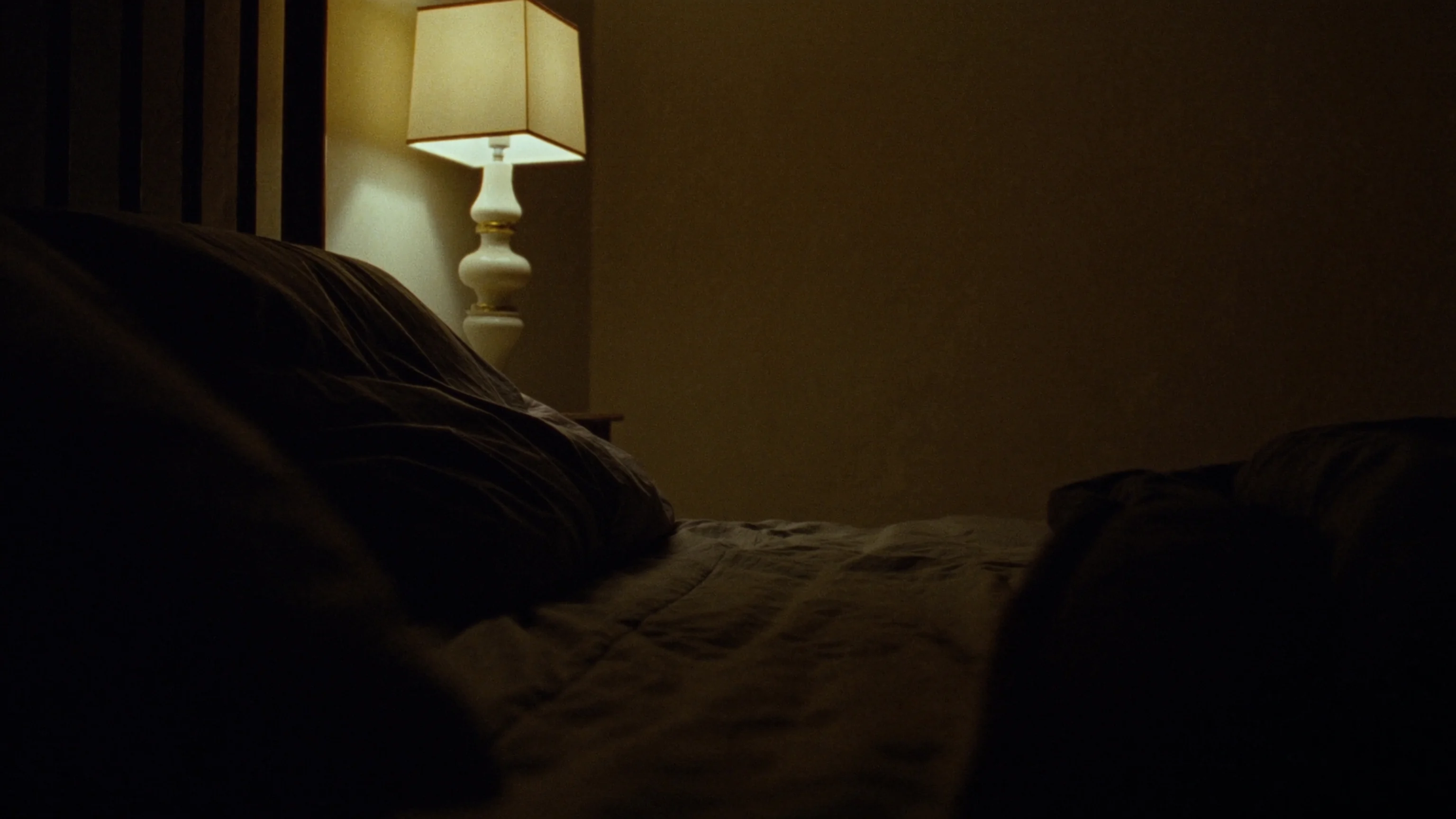
Video, Game and Ambient modes match your lights to the colors on screen in real time, and Music mode pulses with the beat. The image is read at 64 pixels wide and never leaves your Mac.
Routines
Turn off or dim the lights when your Mac sleeps or locks, bring them back when you return, and let a timer fade them out slowly at bedtime.
From Tokyo at night to a crackling fireplace: pick a photo and your room takes its colors. Turn on Motion and the colors drift slowly.
A color wheel and whites from candlelight to daylight for your rooms and lights, plus gradient control for gradient lightstrips.
Your lights follow the screen in real time in Video, Game and Ambient modes, or pulse to the beat in Music mode.
Rooms, scenes, lights and sync in a compact panel, and a full window when you want more.
Turn off or dim the lights when your Mac sleeps or locks, and bring them back when you return.
Toggle the lights, set brightness or start a scene from Shortcuts, Siri or global keyboard shortcuts.
A timer dims the lights slowly and turns them off when the time is up.
The scenes you created in the Hue app show up in Glowside, ready to use.
Privacy
Requirements
Available in English, Português, Español, Français, Deutsch, Nederlands, Italiano and 日本語.

Glowside is in its final stretch. Questions, ideas or want to know when it launches? Write to us.